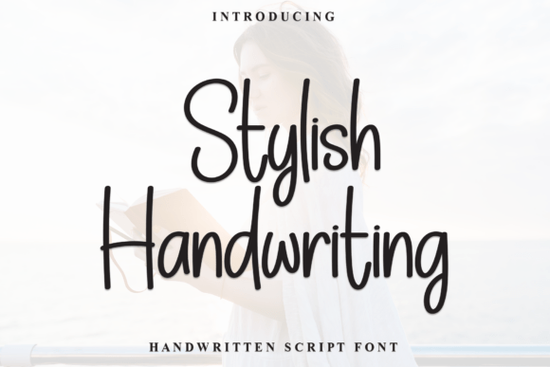
If you're looking for a modern handwritten script that feels both personal and polished like something written with care but without overthinking it the Stylish Handwriting font is a thoughtful choice. It’s not overly ornate or fussy, and it doesn’t try to mimic calligraphy tools you don’t own. Instead, it offers clean, slightly narrow letterforms with smooth, connected strokes that flow naturally from one character to the next. That balance casual enough for a handmade greeting card, refined enough for a small business logo is why designers and crafters keep coming back to it.
What makes Stylish Handwriting feel so authentic?
Unlike some script fonts that rely on heavy contrast or dramatic flourishes, Stylish Handwriting leans into consistency and rhythm. Its even line weight and relaxed spacing give it breathing room on the page, which helps text stay legible even at smaller sizes. The tall x-height means lowercase letters like “a,” “e,” and “o” stand out clearly, making it easier to read in quotes, social media graphics, or product labels. And because it’s PUA-encoded, you get quick access to swashes, ligatures, and alternate characters directly from your glyph panel no need to hunt through layers of OpenType features.
Where does this font work best?
It shines in contexts where warmth and approachability matter most:
- Personal stationery think thank-you notes, birthday cards, or journal headers where handwriting adds sincerity
- Small business branding especially for cafes, boutiques, wellness studios, or makers who want their voice to feel human-first
- Print-on-demand designs it pairs well with minimalist layouts, botanical illustrations, or soft color palettes
- Digital quotes and Instagram stories its natural flow keeps attention without feeling distracting
You’ll also find it fits comfortably alongside other popular script fonts like Honey Notes font, which has a bouncier, more playful energy, or Aurelia font, known for its delicate, fine-line elegance. If you’re working on wedding-related projects, wedding font collections often lean into formality but Stylish Handwriting offers a lighter, more contemporary alternative for save-the-dates or signage that avoids cliché. For signature-style accents, Allura Signature font delivers classic flair, while Stylish Handwriting gives you something fresher and more adaptable across formats.
How to use it without overcomplicating things
Start simple: type a short phrase in all lowercase, then swap in a few swash capitals (like the beginning of a name or quote) using the Glyphs panel. Try pairing it with a neutral sans-serif think Montserrat, Lato, or Inter for body text. That contrast keeps hierarchy clear without competing visually. Avoid stacking multiple script fonts in one layout; instead, let Stylish Handwriting carry the emotional tone while supporting fonts handle information.
Because it’s designed for real-world use not just display it holds up well on fabric prints, enamel pins, and sublimation mugs. Crafters tell us it scales cleanly down to 12pt for tags or up to 120pt for wall art, with no hint of pixelation or awkward joins. And if you're building a brand kit, its versatility means you can use it across email headers, packaging, and social bios without needing separate fonts for each channel.
Before you download
Here’s a quick checklist to help you decide if it’s right for your current project:
- You need a script font that reads clearly at small sizes (e.g., product tags, labels)
- Your design leans modern, minimal, or lifestyle-focused not vintage, formal, or ultra-romantic
- You want built-in stylistic options (swashes, alternates) without needing advanced OpenType knowledge
- You’re already using or considering other Creative Fabrica script fonts like Honey Notes, Aurelia, or Allura Signature and want something complementary, not redundant
- You value consistent spacing and even stroke weight over dramatic contrast or decorative embellishment
If most of those apply, Stylish Handwriting is likely a solid fit. Give it a test run on a real layout not just a mockup and see how it behaves with your colors, imagery, and audience tone. Sometimes the best way to know is to use it where it matters most.
Get Started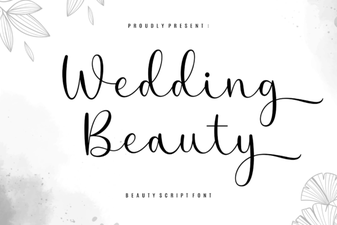 Wedding Font Ideas for Elegant Design Projects
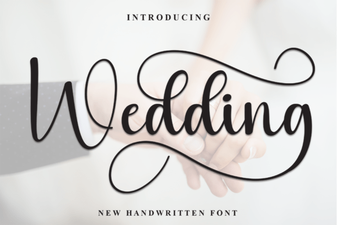 Wedding Fonts for Creative Invitation Designs
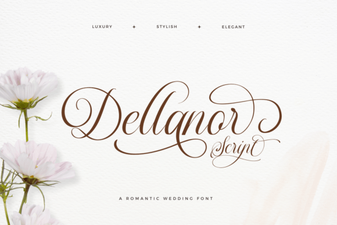 Dellanor Script Font: Elegance for Digital Designs
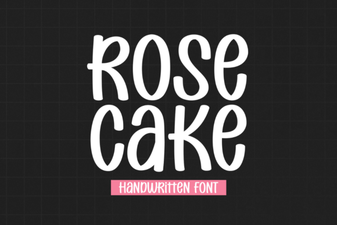 Designing Elegant Projects with Rose Cake Font
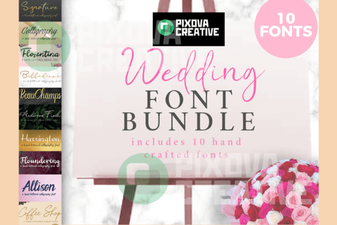 Creative Wedding Projects: 10 Perfect Font Bundles
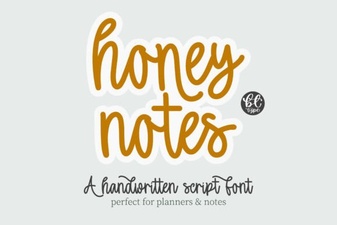 Honey Notes: a Creative Font for Modern Designers