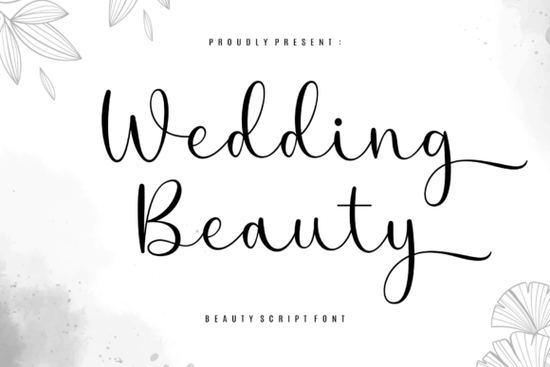
If you're designing wedding invitations, luxury skincare labels, or high-end editorial layouts, the Wedding Beauty Font is one of those rare script fonts that feels both intentional and effortless. It’s not just decorative it’s designed with rhythm and restraint in mind. Long, flowing flourishes wrap around letters like hand-drawn calligraphy, but without visual clutter. That balance makes it especially useful for creatives who need elegance and readability whether you’re a small business owner printing foil-stamped stationery or a designer building a clean beauty brand website.
When does Wedding Beauty Font work best?
This font shines where space is generous and tone is refined. Think: a single-word hero headline on a bridal boutique homepage, the “Mr. & Mrs.” line on an engraved invitation suite, or the product name on a minimalist face oil bottle. Because it’s built to breathe using white space as part of its design it doesn’t compete with photography or delicate textures. You’ll notice it performs especially well at larger sizes (48pt and up), where its subtle alternates and ligatures become visible without needing advanced OpenType features.
It’s also PUA-encoded, meaning all stylistic alternates and flourishes are accessible right from your keyboard no special software or font managers required. If you’ve ever struggled to activate swashes in other script fonts, this is a real time-saver when working in Canva, Cricut Design Space, or even basic word processors.
Who uses Wedding Beauty Font and why?
Small business owners creating custom wedding stationery often choose Wedding Beauty Font because it pairs well with simple serif body fonts (like Playfair Display or Lora) and prints cleanly on textured cotton paper. Print-on-demand sellers appreciate how consistently it renders across platforms no unexpected spacing shifts or missing glyphs when exporting PDFs for vendors.
Crafters building digital kits for Etsy or Creative Market find it versatile for layered SVG files: the long entry and exit strokes scale beautifully for laser-cut wood signs or vinyl decals. And designers working on fashion or beauty branding use it to signal quiet confidence not flashiness especially alongside muted palettes and ample margins.
How does it compare to other popular script fonts?
While Van Marigella Font leans into bold, modern contrast, Wedding Beauty Font favors subtlety and continuity. If you love the romantic flow of Sallintine Font, you’ll recognize a similar attention to letter connection but Wedding Beauty adds more deliberate air between characters, making it easier to read in tight contexts like RSVP cards.
For those building full wedding suites, the Wedding 10 Bundle offers variety across moods but Wedding Beauty stands out when you need one go-to script that works equally well on a champagne label and a magazine masthead. It shares DNA with Dellanor Script Font in its rhythmic baseline, though Wedding Beauty’s terminals are softer and less angular. And while Allura Signature Font delivers quick, confident flair, Wedding Beauty takes a slower, more considered approach ideal for brands that value longevity over trendiness.
Real-world tips for using it well
- Don’t overuse flourishes. Pick one or two key words per layout (e.g., “Forever” or “Love”) to feature the extended swashes then switch to the standard version for supporting text.
- Pair it with a neutral sans-serif (like Montserrat or Inter) for body copy. Avoid other scripts unless they’re extremely restrained.
- Test print at actual size. Some flourishes thin out on low-res printers always check a physical proof before ordering bulk stationery.
- Use it for short phrases only. It’s not meant for paragraphs. Stick to headlines, names, dates, and taglines.
If you'd like to see how it behaves across different weights and formats or explore alternatives with similar warmth the Wedding Beauty Font page includes previews, licensing details, and usage examples directly from designers who’ve used it in live client work.
Before you download: Try sketching a few layout options first just pen on paper. Ask yourself: Does this font support the feeling I want to convey? Does it leave room for the rest of the design to breathe? If yes, you’re ready to bring it into your project with confidence.
Learn More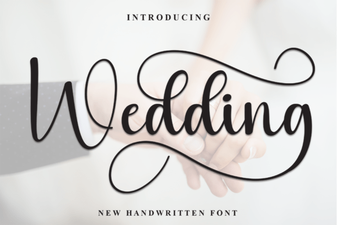 Wedding Fonts for Creative Invitation Designs
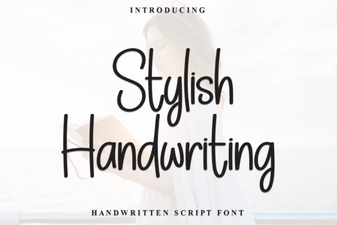 Creative Project Ideas with Stylish Handwriting Fonts
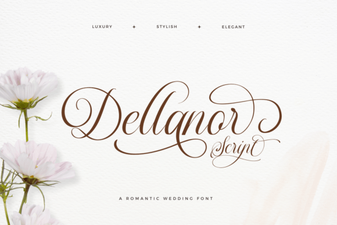 Dellanor Script Font: Elegance for Digital Designs
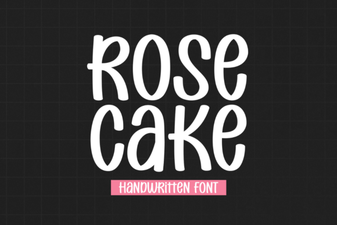 Designing Elegant Projects with Rose Cake Font
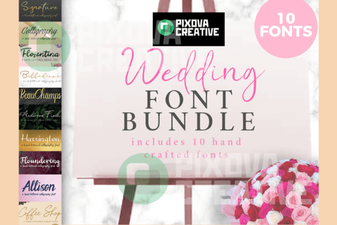 Creative Wedding Projects: 10 Perfect Font Bundles
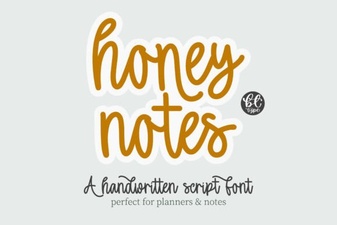 Honey Notes: a Creative Font for Modern Designers